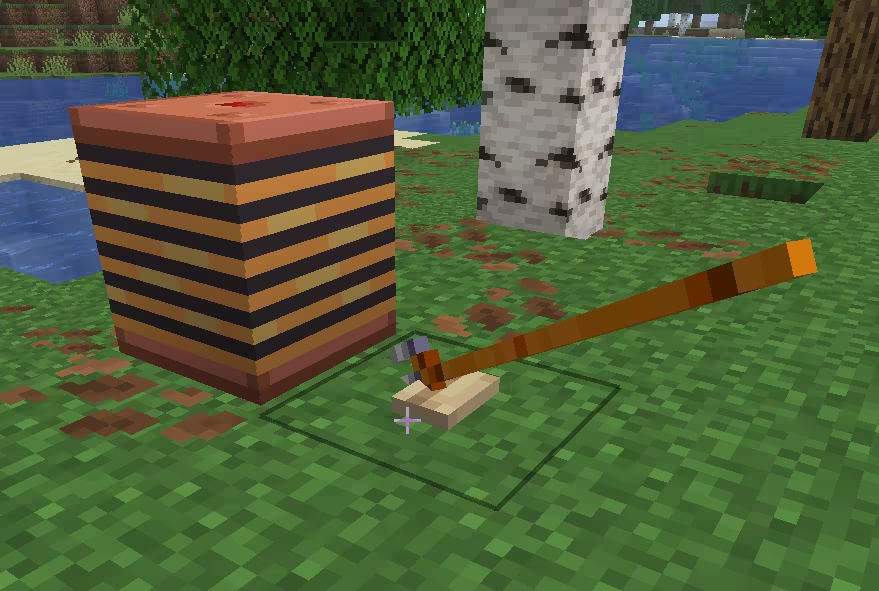
🔘 Button Block
Button Block is a redstone power source. When pressed it turns on, emits a signal, then automatically pops back up after a moment.
It can be triggered by:
- Player right-click
- An arrow sticking into it
- A wind charge hitting it
The output is always a full-strength 15 signal, sent toward the surface the button is attached to.
Properties
The button itself only needs an on/off state. Directed redstone output depends on the face_attached_horizontal_directional_block behavior — the button calls into it to learn which way it points. Without that behavior on the same block, the button still toggles but won't emit a directed signal.
| Property Name | Property Type | Required | Source behavior |
|---|---|---|---|
| powered | boolean | yes | button_block |
| face | anchor_type | (yes)* | face_attached_horizontal_directional_block |
| facing | horizontal_direction | (yes)* | face_attached_horizontal_directional_block |
* Required only if you want directed redstone output.
face and facing are not declared by the button — they come from combining with the Face-Attached Horizontal Directional Block behavior. This is a typical composite-behavior dependency.
Example
blocks:
  default:palm_button:
    behaviors:
      - type: face_attached_horizontal_directional_block
        attached_block_tags:
          - minecraft:dirt
      - type: button_block
        ticks_to_stay_pressed: 30        # how long (in ticks) the button stays pressed before resetting (default 30)
        can_be_activated_by_arrows: true # whether arrows sticking into the button keep it pressed (default true)
        sounds:
          on: minecraft:block.wooden_button.click_on   # sound played when pressed (optional)
          off: minecraft:block.wooden_button.click_off  # sound played when released (optional)